


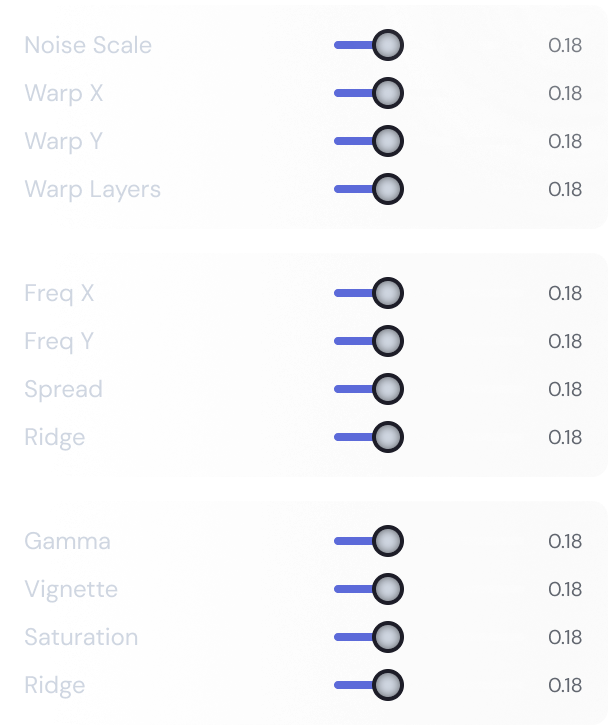
Live visual controls
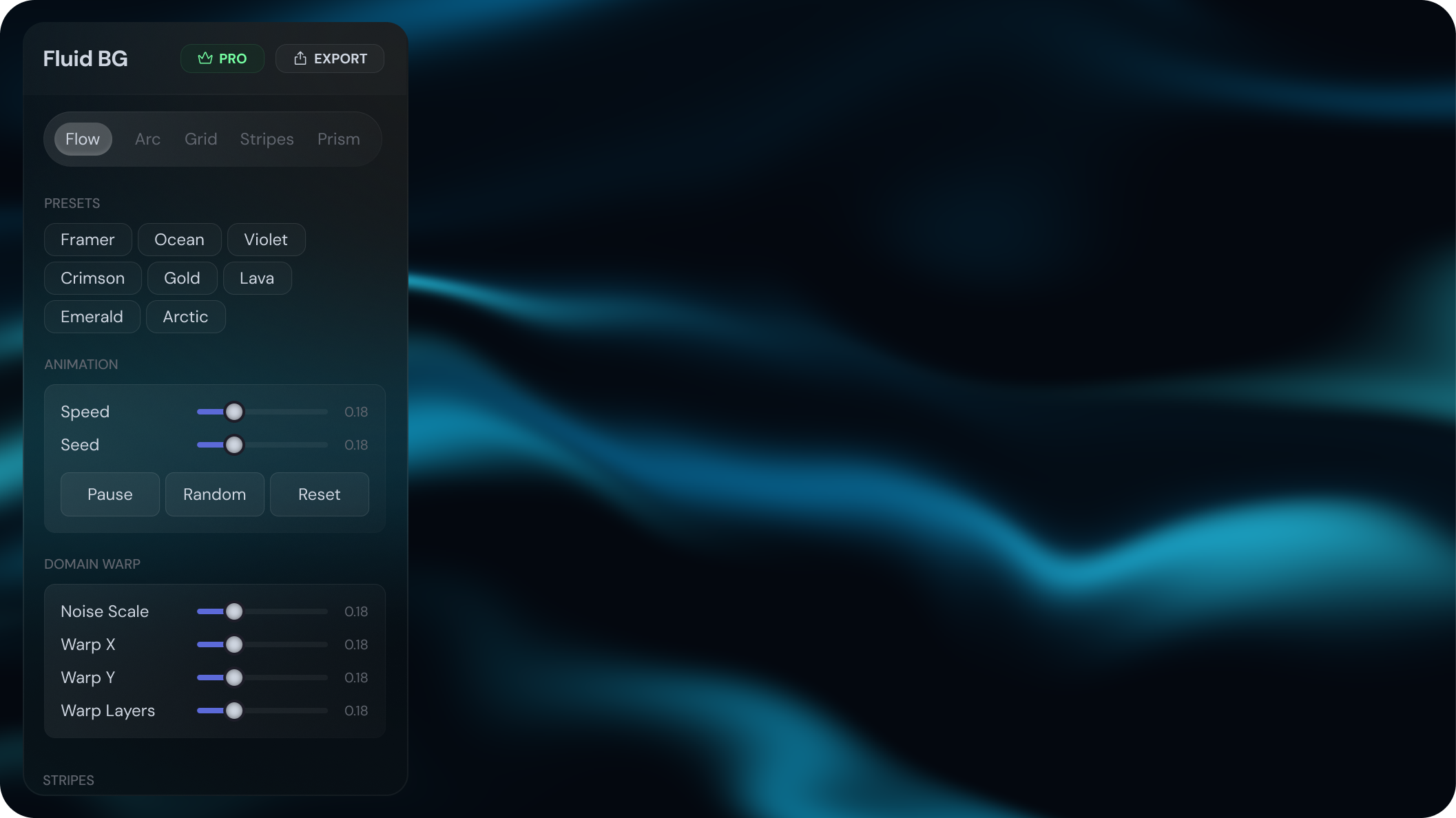
Tweak every parameter in real time — colors, motion speed, grain, and composition. What you see in the preview is exactly what exports.
Real-time WebGL backgrounds for landing pages, social assets, and
interfaces.
Design in Figma, ship to the web.
Features
Tweak every parameter in real time — colors, motion speed, grain, and composition. What you see in the preview is exactly what exports.
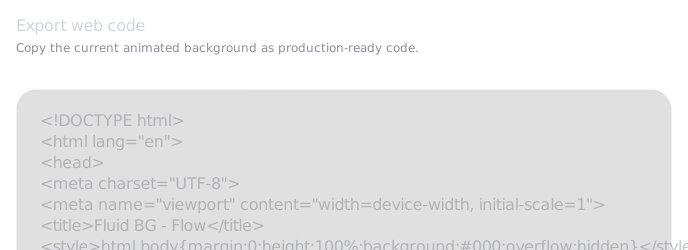
Get self-contained HTML, a React component, or a Remotion clip with no external dependencies and no setup. Drop it in and it runs.
Seven distinct visual systems, each with its own set of parameters. Mix presets with manual control to get something that feels entirely yours.
Export up to 4K PNG for hero sections, social visuals, app mockups, and decks — or go animated with the web code export.
Styles available
From subtle gradients to expressive abstract motion, Fluid Background Studio gives you a flexible visual system for modern product, portfolio, and launch pages.
Pricing
Unlock every background mode, Pro presets, high-resolution
exports,
and web code export.
Basic
Start exploring Fluid with no commitment.
Support
Have a question not listed here? Reach out at support@fluidbg.studio and we'll get back to you.
No. Fluid works with any Figma plan, including the free tier.
Open Figma, go to the Community tab, search for Fluid Background Studio, and click Install. It runs directly inside Figma — no downloads required. Or click here to open it directly.
Open the plugin in Figma, click Upgrade Now, then Activate License, and paste the key you received after purchase.
Your license is linked to one Figma account, not one device. After activating once, you can use Fluid on any computer where you're signed in with that same Figma account.
Yes. Any new styles released after your purchase are included at no extra cost.
Background generation runs entirely in your browser. You only need an internet connection once to validate your license key.
Open Fluid, pick a style, adjust the feel, and export something that looks like it took hours. It won't.





 support@fluidbg.studio

